Production RAG at GenkiJACS
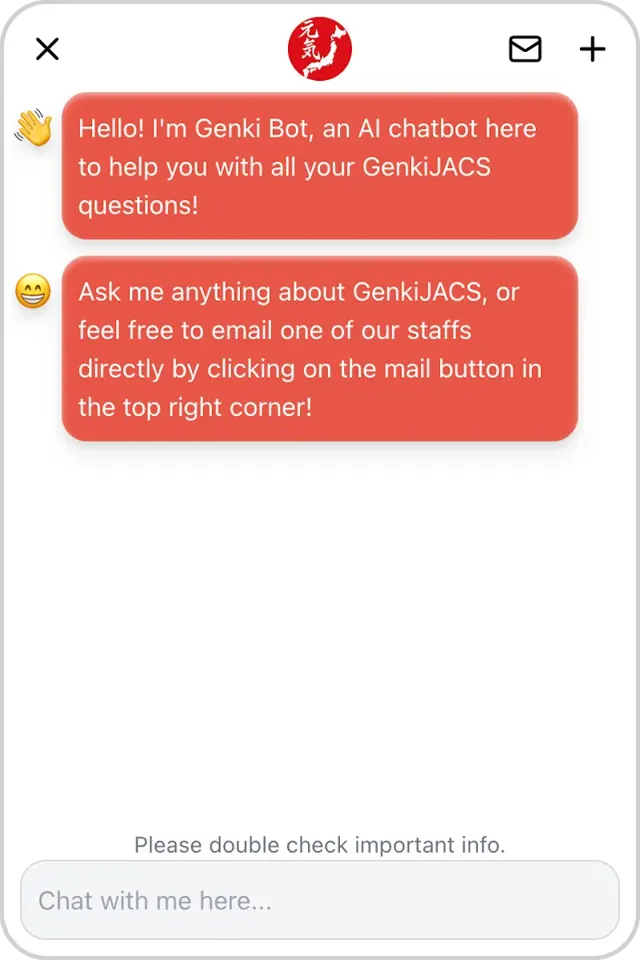
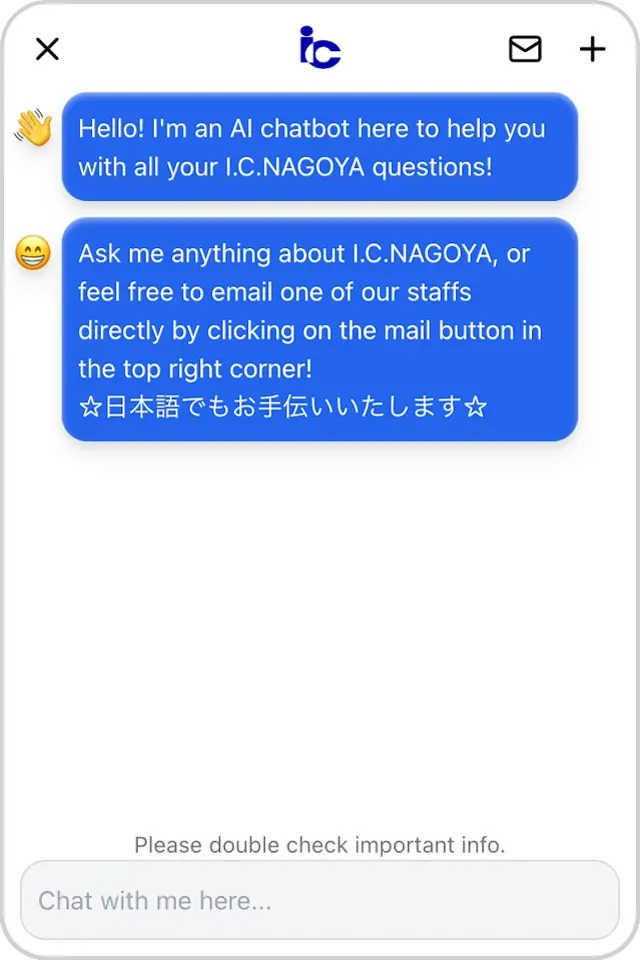
I independently designed, built, and operated a production RAG chatbot and staff portal for GenkiJACS (Japanese language school).
- Role: Software Engineer (sole engineer, part-time)
- Location: Fukuoka, Japan
- Duration: Sep 2023 – Jun 2024
- Tech: TypeScript, Python, Next.js, AWS, Pinecone (vector DB), OpenAI
- Impact: 14,000+ messages, ~70 hours saved per week
- Deployed At: GenkiJACS and I.C.NAGOYA
1. Context & Problem
GenkiJACS teaches Japanese to students from around the world. For many, the website is their first contact with the school.
- Support workload: Support staff were burdened with repetitive emails, even though most answers were sitting right there on the website.
- Student experience: Prospective students often hit a wall during key decision windows, waiting hours or days for a reply.
- Visibility: The team had little insight into what students were actually asking, making it hard to spot the friction points blocking enrolment.
2. Solution
I built a complete RAG ecosystem that integrates with the existing websites of GenkiJACS and I.C.NAGOYA.
The solution consists of three distinct components:
- Student Chatbot: An embedded interface that provides instant answers using the latest school information.
- Auto-Updating Knowledge Base: An automated scraping pipeline that keeps the data fresh with zero manual maintenance.
- Staff Portal: An internal dashboard for oversight, analytics, and manual overrides (like holiday closures).
3. Architecture & System Design
The core challenge was transforming ambiguous user inquiries into optimised vector searches to ground the model in accurate context.
The Conversation Pipeline
The process begins by checking the user's question against OpenAI’s moderations API to make sure it's safe to answer. Once cleared, I use GPT-4.1 to rephrase the question to optimise it for retrieval. This is because raw user queries are often noisy or incomplete.
First, I inject school-specific keywords. This ensures generic terms like "courses" map correctly to the school's specific offerings.
Next, I include context from earlier messages, because users rarely ask perfect, standalone questions.
Why is it required? means nothing without the previous message.
I also noticed that negative phrasing limited search results.
If a user asks Do you only offer X?, a vector query might miss the intermediate options.
To fix this, I expand the query to include the positive alternative.
With the query polished, I embed it and send it to Pinecone to search the entire knowledge base.
The matches returned are split into two groups: Website Content and Staff Notes.
For Website Content, I pull in the neighbouring chunks around each match. This restores the semantic flow lost during chunking, ensuring the model works with complete passages rather than isolated fragments.
For Staff Notes, if I simply sorted them by score, they often got buried in the middle of the context. To fix this, I placed them near the end of the prompt to ensure they take precedence over any conflicting Website Content.
Finally, I construct the prompt using a system message, the assembled context (with source URLs for inline citations), and the original question.
GPT-5.1 generates a reply in the user's original language, and I stream that answer back with clickable links.
Retrieval Performance
To validate these design choices, I ran an ablation study using GPT-5 mini as a judge on a set of challenging user queries.
With a Top-K of 10, the system performed over 700 relevance judgments across these configurations.
| Configuration | Relevance | Impact |
|---|---|---|
| Everything on (Baseline) | 62% | Baseline |
| No Positive Expansion | 58% | -4% |
| No Keyword Injection | 57% | -5% |
| No Neighbouring Chunks | 56% | -6% |
| No Chat History | 48% | -14% |
| No Rephrasing * | 43% | -19% |
*Turning off Rephrasing disables Keyword Injection, Positive Expansion, and Chat History simultaneously.
Auto-Updating Knowledge Base
Every day, a scraper walks both school websites, follows links, and keeps only the important pages (like course info, pricing, accommodation, FAQs). It extracts the main content, splits it into small chunks, and tags each with URL and position on the page. The scraper then compares these chunks with what’s stored, and only updates the database when content actually changes.
Staff Portal for Edge Cases and Insights
The portal acts as a central command center to browse conversations, manage staff notes, and observe analytic data.
The chatbot and portal are connected by a topic-driven escalation logic. The chatbot detects high-stakes topics (like pricing) to proactively suggest contacting staff. When a student clicks the dedicated email button, I inject the conversation ID directly into the draft. This simple addition allows staff to instantly pull up the full chat history within the portal.
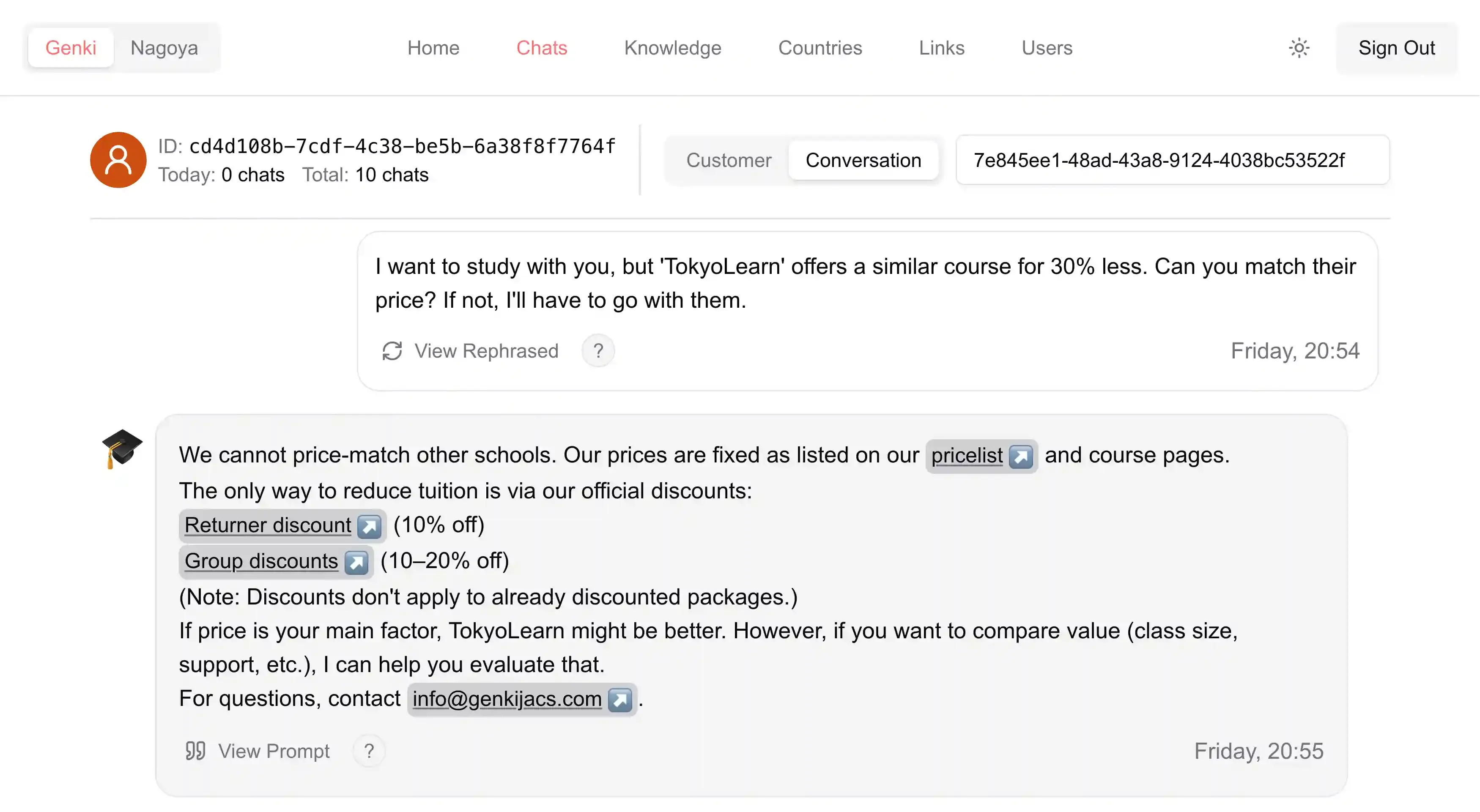
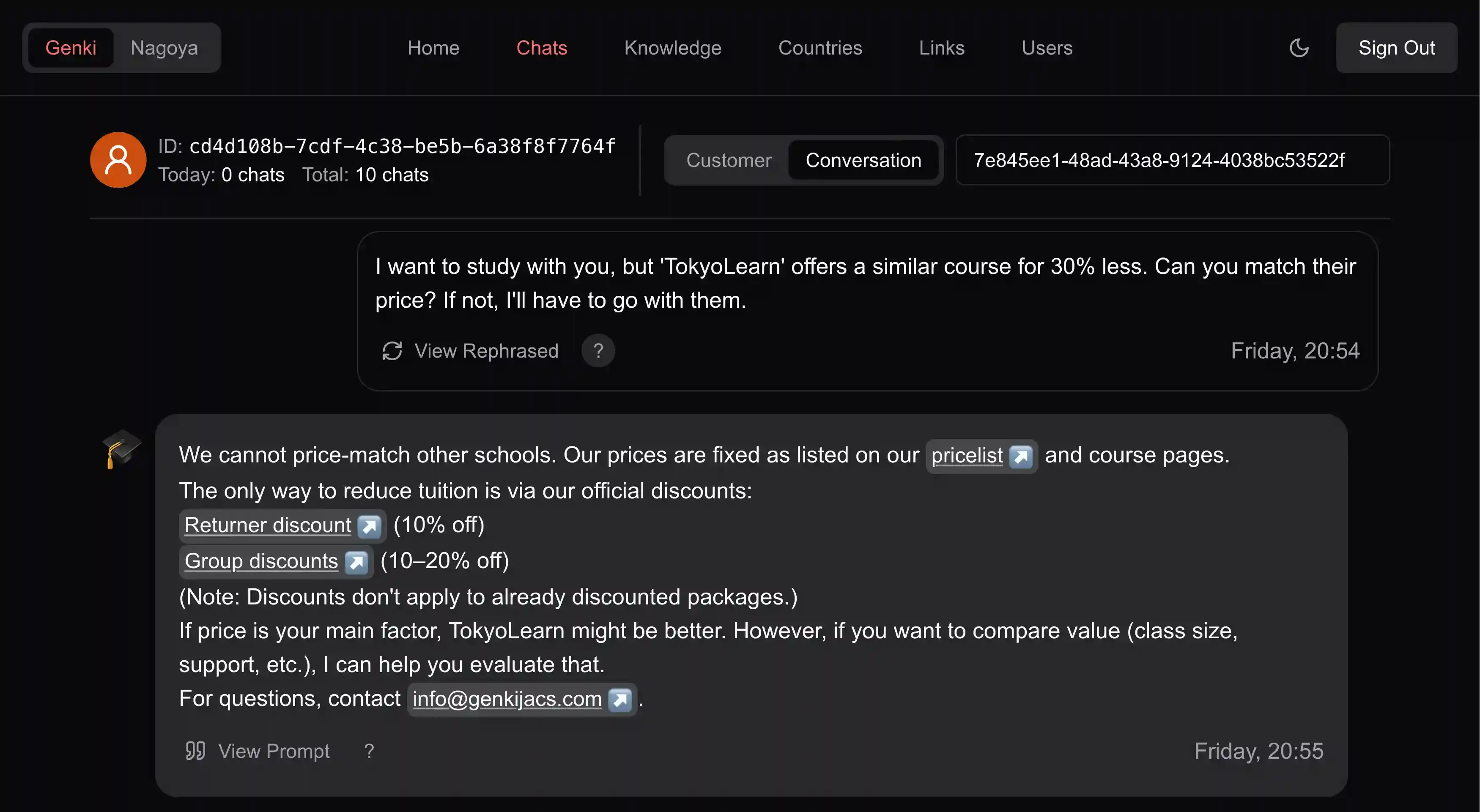
This integration ensures the support experience feels continuous rather than disjointed.
Beyond individual conversations, the dashboard empowers staff to control the system behavior directly. They can manage time-sensitive entries like holiday closures or special course info, toggling them on or off instantly. It also surfaces high-level analytics, showing which pages are referenced most by the AI and where users are located, so the school can see exactly where the website is working and where students are getting stuck.
How the Pieces Fit Together
I built the core as a unified Next.js application. It handles both the complex backend logic and the staff dashboard in one place. The chatbot widget is a static React app isolated in an iframe to make it drop-in compatible with any website platform. The system relies on Pinecone to store knowledge and OpenAI to generate answers, with the infrastructure running on AWS.
4. My Role & Way of Working
Being the sole technical person meant I held full responsibility for the project's success. I handled the design, implementation, and ongoing operations myself. My responsibility was to turn a broad problem statement into a production-ready system.
In practice, this meant owning the full stack:
- Frontend: The chatbot UI and staff portal.
- Backend: The APIs and data pipeline for scraping.
- Ops: Deployment and operations on AWS.
I worked in tight feedback loops with the staff, analysing real conversation logs to guide development. This iterative process led to key features like Staff Notes to handle edge cases, and a smart handoff feature that detects high-stakes topics like pricing and offers a one-click email button instead of letting the bot guess.
5. Impact & Business Value
I deployed the system to production in April 2024.
- Usage: Handled 14,000+ messages from 2,000+ unique users.
- Efficiency: Saves ~70 staff-hours per week by offloading repetitive questions.
- Operations: Runs with zero manual maintenance.
- Student experience: Provides instant, 24/7 answers in any language.
- Business intelligence: Gives staff visibility into high-traffic topics and reveals where website content is confusing or incomplete.
6. Beyond Code
I also took ownership of the school's physical network for the six-storey building, configuring the VPN and troubleshooting connectivity issues.
Before building the chatbot, I attempted to build an email auto-reply agent that pulled raw messages from IMAP. However, this project never shipped. The complexity of unstructured email threads outpaced my experience at the time. This failure taught me to prototype early before committing, and it directly inspired the pivot to a chat interface where I could control the environment to guarantee a higher quality result.
7. Learnings & Improvements
The parts that worked best were the zero‑maintenance architecture and the staff portal which turned the chatbot from a black box into a tool the team could actually steer.
If I were to extend it, I would focus on:
- Hardening security to better protect the system and user data.
- Richer analytics to measure user satisfaction and resolution quality, not just raw usage.
Overall, this project gave me hands‑on experience owning a production RAG system end‑to‑end.